
Test Keyboard Keys guide
The phrase test keyboard keys usually means you need a simple, complete pass. This page combines the live keyboard tester with a checklist mindset so you can validate all important zones instead of typing random words.
Move row by row and watch the remaining count. If a key does not light up, repeat it once slowly, then compare with a nearby key before deciding what to fix.
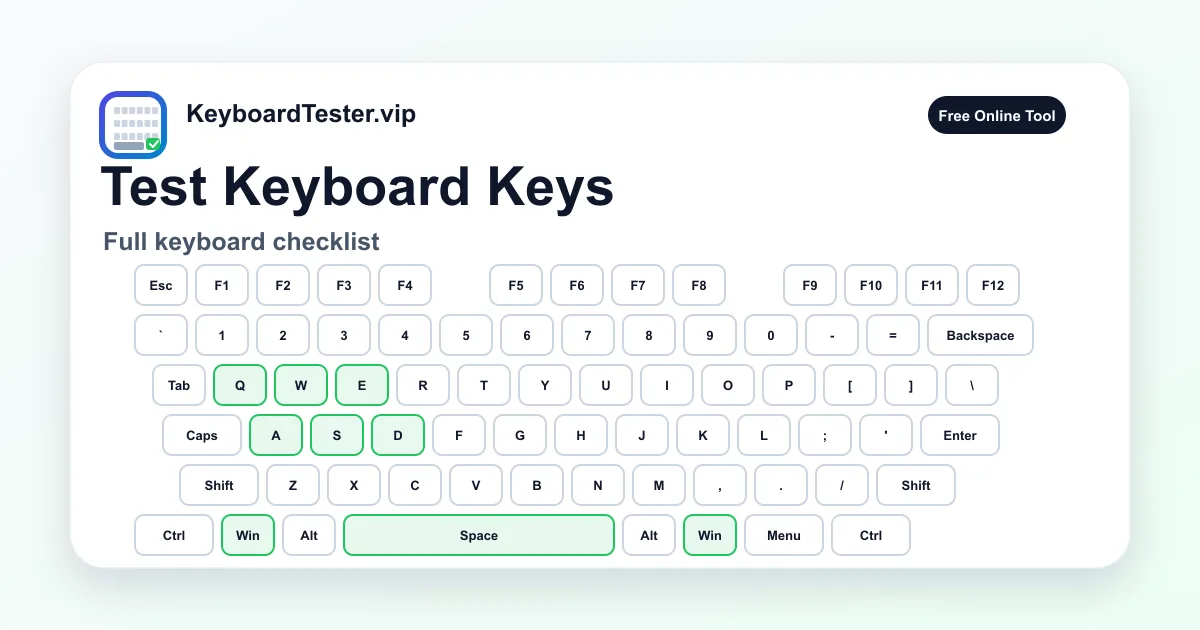
Quick diagnostic checklist
- Test Esc and function keys before the letters.
- Check number row and numpad separately.
- Press both left and right modifiers.
- End with arrow keys, Insert/Home/Page keys, and punctuation.
A repeatable order for faster testing
Start at the top-left corner and move horizontally. Then move down one row and continue. This reduces skipped keys and makes it easier to remember where a failure happened.
If you are testing multiple keyboards, use the same order every time. Repeatable process is useful for repair shops, used keyboard checks, and office hardware inventory.
What to do with failed keys
Write down whether the key never appeared, appeared late, duplicated, or produced the wrong label. Each symptom points to a different cause and avoids unnecessary replacement.
Missing input suggests hardware or connection issues. Wrong labels suggest layout settings. Duplicates suggest chatter. Multi-key failures suggest ghosting or rollover limits.
FAQ
How long should a full keyboard key test take?
A careful full-size pass usually takes two to five minutes, depending on whether you retest suspicious keys.
Should I test numpad keys even if I rarely use them?
Yes. Numpad failures matter for resale, finance work, shortcuts, and full hardware validation.
Can I test external keyboards on a laptop?
Yes. Connect the external keyboard, focus the page, and run the same row-by-row process.