
Backspace Key Not Working guide
Backspace is a high-use key, so failures show up quickly. The problem may be a worn switch, a stabilizer issue on wide keys, debris, software focus, or a stuck modifier interaction.
Use the tester to confirm whether Backspace fires as a key event, then compare it with nearby wide keys such as Enter and Shift to identify mechanical patterns.
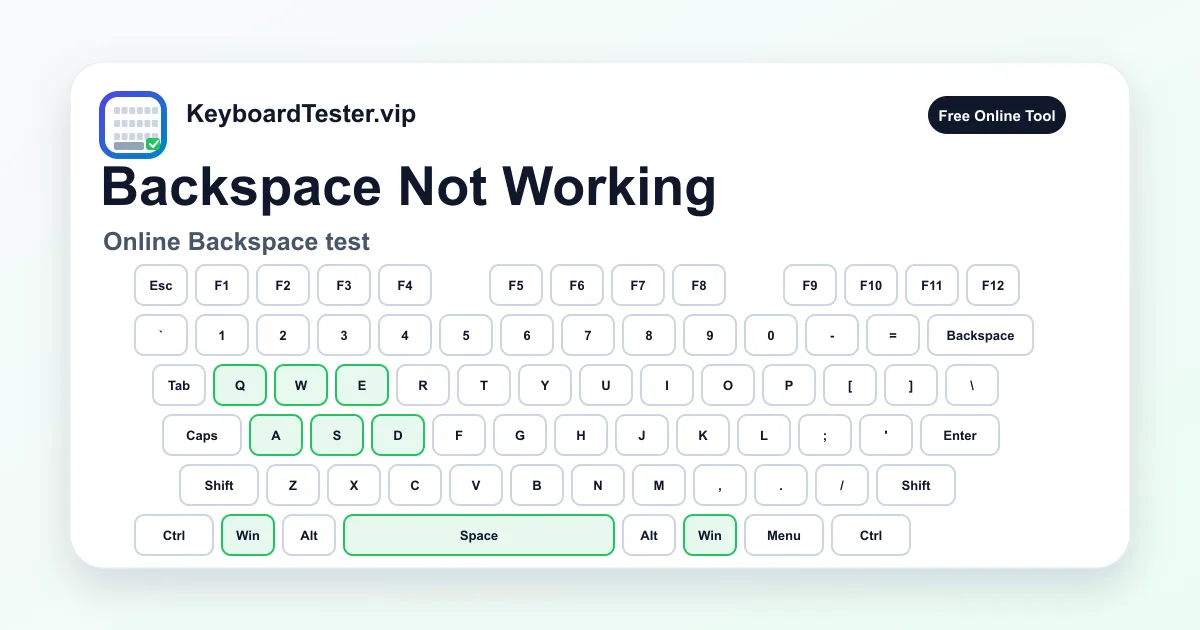
Quick diagnostic checklist
- Press Backspace once and watch the highlighted key.
- Hold briefly and confirm active state clears after release.
- Test edge presses if your Backspace has a stabilizer.
- Check whether it fails only in one app or text field.
Common Backspace failure patterns
If Backspace never appears in the tester, start with connection, switch, or keyboard matrix diagnosis. If it appears but does not delete in one app, the app focus or shortcut layer may be the issue.
If Backspace repeats too aggressively, run a double type check and inspect operating system repeat settings. Mechanical chatter and software repeat rate can feel similar.
Repair checks before replacement
For mechanical keyboards, remove the keycap if safe, clean around the switch and stabilizer, reseat the keycap, and test again. For laptops, avoid forceful removal unless the model supports it.
If the key works only when pressed hard or from one angle, the failure is likely mechanical contact or stabilizer travel rather than text-editing software.
FAQ
Can Backspace fail only in a browser text field?
Yes. Focus, extensions, or app shortcuts can intercept Backspace. Test in multiple apps before assuming hardware failure.
Why does Backspace delete multiple characters?
It may be normal key repeat, an OS repeat-rate setting, or switch chatter. Use the double type test to separate those causes.
Should I remove the Backspace keycap?
Only if your keyboard design supports safe keycap removal. Laptop keys can be easy to damage.