
Keyboard Key Tester guide
A keyboard key tester is built for coverage. The goal is to move through the board systematically and prove that each region responds: letters, number row, function row, navigation cluster, arrows, modifiers, and numpad.
This is the right workflow after a repair, after a spill cleanup, before returning a laptop, or before selling a keyboard. It creates a repeatable pass that is faster than typing random text and hoping every key was used.
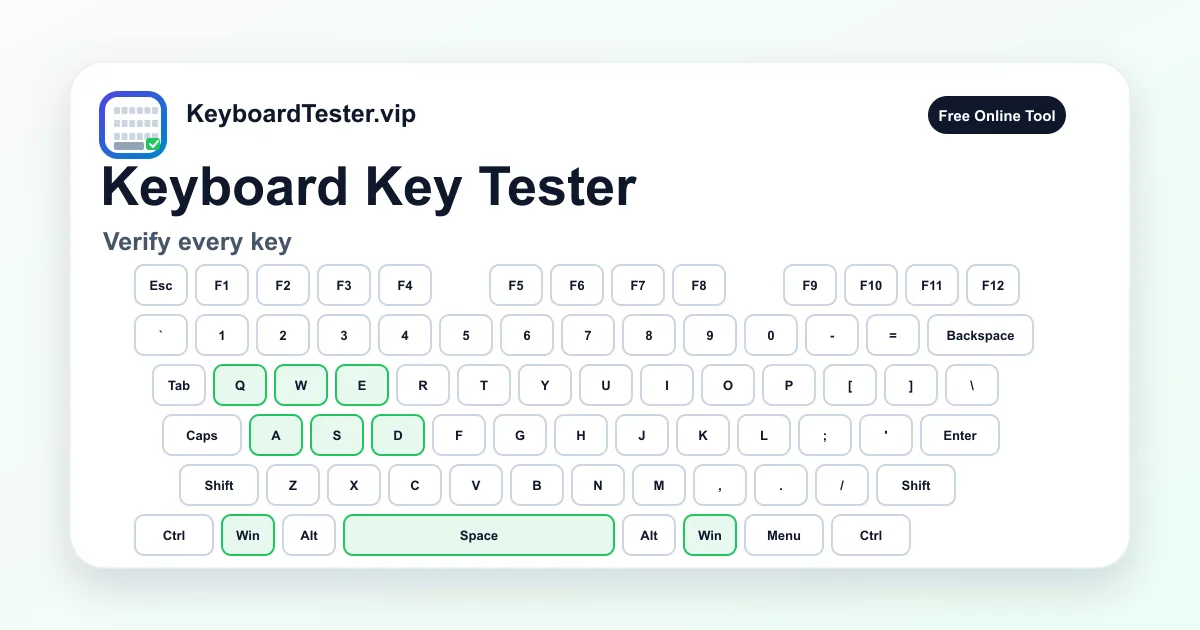
Quick diagnostic checklist
- Start from Esc and move row by row across the keyboard.
- Use the remaining count to avoid skipping rarely used keys.
- Check left and right modifier keys separately.
- Run a second pass for any key that felt inconsistent.
Why full coverage catches hidden defects
Most users test only letters and spacebar, but keyboard failures often hide in modifiers, function keys, and navigation keys. Those keys may be essential for shortcuts, games, spreadsheets, coding, and accessibility workflows.
A complete keyboard key tester routine makes the failure pattern visible. If an entire column, row, or cluster fails, the cause may be matrix damage rather than separate key failures.
How to document a keyboard test
For repairs or resale, write down which keys failed, whether the issue was missing input or duplicated input, and whether cable or wireless mode changed the result. This gives you more useful evidence than a vague “some keys do not work” note.
If the keyboard passes every-key coverage but still feels wrong in games, run a multi-key ghosting check because the problem may occur only when keys are held together.
FAQ
How many keys should I expect on a full-size keyboard?
Most Windows full-size layouts have 104 keys, but regional layouts, laptop keyboards, and compact boards may differ.
Do left Shift and right Shift count separately?
Yes. They are separate physical keys and should be tested independently.
Why does the remaining count not match my keyboard?
The visualizer is based on a full-size layout. Compact and regional keyboards may omit or move some keys.