
Windows Key Tester guide
The Windows key is special because operating systems and gaming keyboards often intercept it. A missing Win key event can mean a broken key, but it can also mean game mode, keyboard firmware lock, or a shortcut conflict.
This page helps you test the physical key while keeping the platform label visible. Try both left and right Win positions if your keyboard has them, then compare the result with normal Windows shortcut behavior.
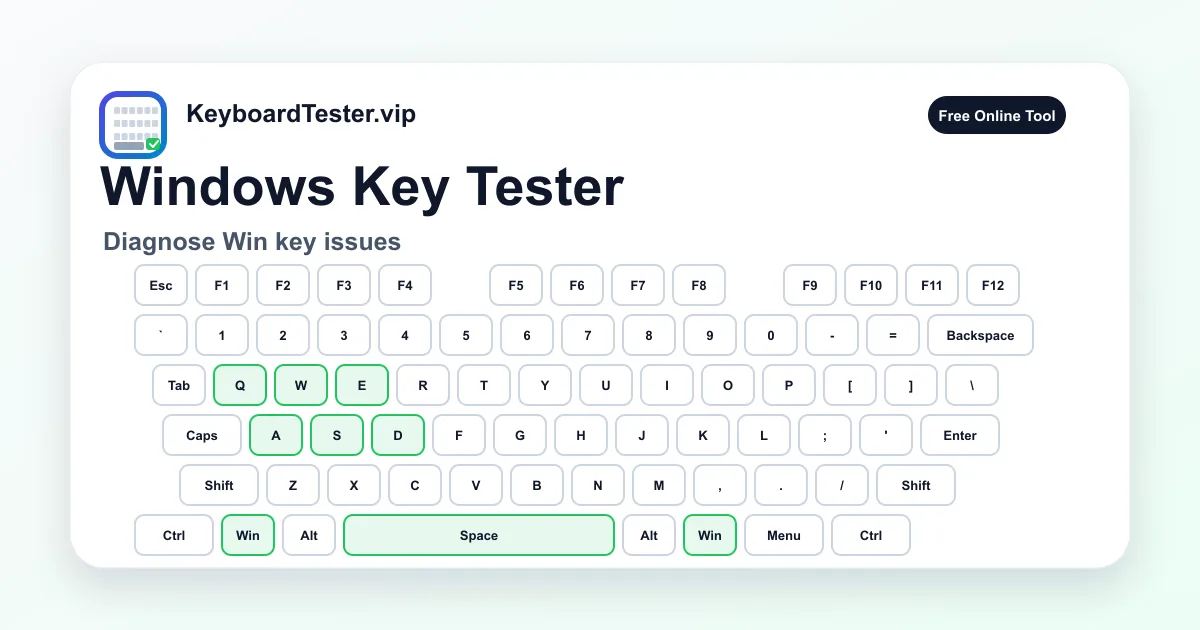
Quick diagnostic checklist
- Disable keyboard game mode or Win-lock mode before testing.
- Press the left Win key and right Win key separately.
- Check whether the page sees Meta/Win while Windows shortcuts still open.
- Use another USB port or wired mode if the key appears intermittently.
Why the Win key can be misleading
Unlike ordinary letter keys, the Win key may trigger system-level actions. Browsers can see some Meta key events, but the operating system may still reserve combinations such as Win + L, Win + D, or Win + Tab.
If the key appears in the tester but a shortcut does not work, the physical key may be fine. Check Windows settings, keyboard manager tools, remote desktop software, and app-specific shortcut capture.
Gaming keyboards and Win-lock behavior
Many gaming keyboards include a mode that disables the Windows key to prevent accidental desktop switching during games. This can look exactly like a broken key if you forget the mode is active.
Look for a lock icon, game mode indicator, Fn combination, or vendor software profile. After disabling Win-lock, refresh the page and repeat the test.
FAQ
Why does the Windows key open the Start menu while testing?
Single Win presses may still trigger operating system behavior. The tester focuses on whether the key event is detected by the page.
What label should I see for the Win key?
On Windows mode, the visual key is labeled Win. On Mac-style labels, the same physical position may show Command or Meta-style wording.
Can game mode disable only the Win key?
Yes. Many boards disable Win while leaving other keys normal, which is why this page tests Win separately.