
Keyboard Checker guide
A keyboard checker should answer one simple question: does the browser receive the key you are pressing right now? This page keeps the full keyboard visible, tracks the last key, and records recent activity so you can move through the board without guessing.
Use it when a keyboard feels unreliable, after cleaning, before buying a used keyboard, or when a laptop key starts acting strange. The test runs in the browser and focuses on visible key registration, which is usually the fastest first step before deeper hardware repair.
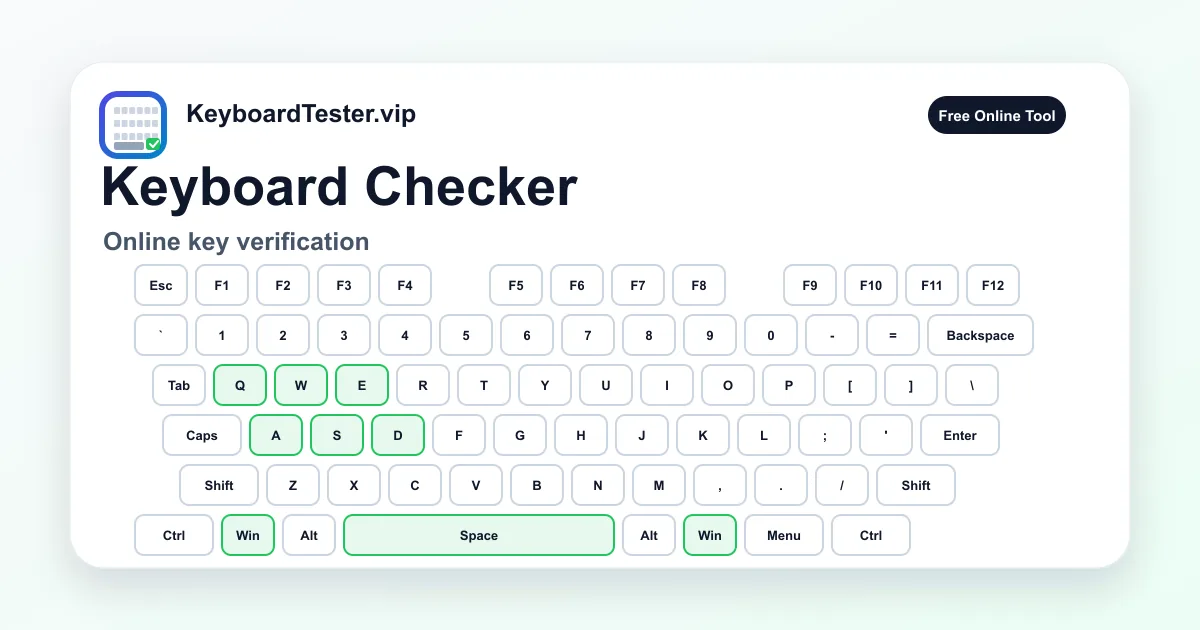
Quick diagnostic checklist
- Press every letter, number, modifier, arrow key, and numpad key once.
- Watch the last-key panel to confirm that the expected key appears.
- Use the history row to spot missed or repeated inputs.
- Switch Windows/Mac labels if the printed legends do not match your platform.
When a keyboard checker is the right tool
A keyboard checker is best for first-pass diagnosis. It tells you whether the keydown event reaches the browser and whether the physical layout responds consistently. If a key never appears here, start with cleaning, cable checks, wireless pairing, or switch inspection.
If the key appears once but sometimes duplicates, move to the double type test. If the key works alone but fails in a shortcut or game combo, use the ghosting test. Separating these symptoms prevents wasted repair time.
How to avoid false results
Some keys are intercepted by the operating system or keyboard firmware. Fn, brightness, volume, and system shortcuts may not be visible in a browser even when the hardware is healthy. Test ordinary typing keys first, then compare special keys with your operating system behavior.
For wireless keyboards, repeat the checker with a cable if possible. Low battery, Bluetooth interference, and crowded 2.4GHz environments can produce inconsistent input that looks like hardware failure.
FAQ
Is this keyboard checker enough to prove a key is broken?
It proves whether the browser can see that key. If a key is missing here and also fails in normal apps, the issue is likely hardware, firmware, or operating system input handling.
Why do some media keys not appear?
Many media and Fn-layer keys are handled before browser JavaScript receives an event, so they may not show in an online keyboard checker.
Can I use this before buying a used keyboard?
Yes. Ask the seller to press every key on the page or run it yourself before completing the purchase.