
Keyboard Typing Wrong Characters guide
A keyboard typing wrong characters is usually a layout or language configuration problem, but it can also involve stuck modifiers, remapping tools, or firmware layers.
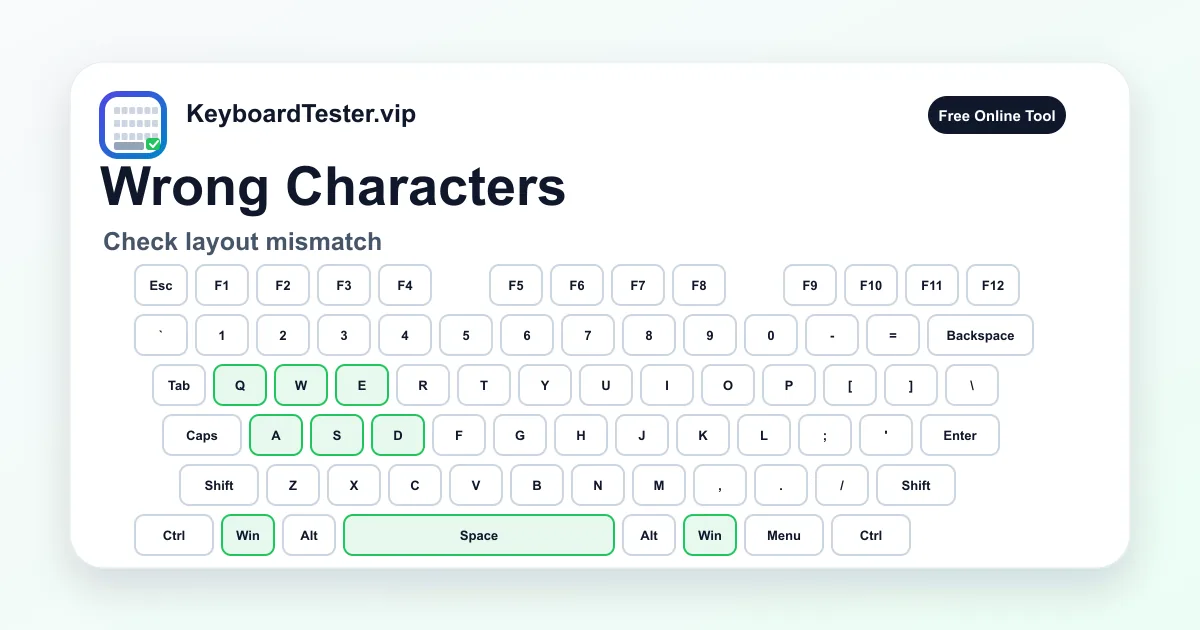
Use the visual tester to confirm whether the physical key position is detected, then compare the character output in your operating system and apps.
Quick diagnostic checklist
- Check the OS keyboard language and layout.
- Turn off remapping and macro tools temporarily.
- Test symbol keys with and without Shift.
- Check for stuck Shift, Alt, Ctrl, or Fn behavior.
Layout mismatch is the most common cause
If letters work but punctuation is wrong, your keyboard may be using a different regional layout than the keycaps. US, UK, ISO, and international layouts can place symbols in different positions.
The visual test helps confirm the physical key event. If the key position is correct but output is wrong, change the system input layout before replacing parts.
When wrong characters indicate hardware
Hardware becomes more likely when modifiers appear stuck, random keys trigger together, or multiple wrong characters appear after a spill. Run a full key test and watch for keys that remain active after release.
If one modifier stays active, clean or inspect that key first because it can change the output of many other keys.
FAQ
Why does @ type as a different symbol?
This often happens when the operating system is using a different keyboard layout than the physical keyboard, such as US versus UK.
Can a stuck Shift key cause wrong characters?
Yes. A stuck modifier can make letters uppercase, change symbols, and break shortcuts.
Should I reinstall drivers first?
Check layout and remapping settings first. Driver reinstall is useful only after simpler configuration checks fail.